Stop-Loss Modes
Understand the three stop-loss modes in OptionTrigger: Wick SL, Body SL, and Hybrid SL for different trading styles
OptionTrigger offers three stop-loss trigger modes (Wick, Body, Hybrid) to match different trading styles. Separately, you choose whether the SL exit order is market or limit — see Market and Limit Order Modes.
Available to: All users (Free and Premium)
Trigger vs order type (do not mix them up)
| Setting | What it answers | Where |
|---|---|---|
| Wick / Body / Hybrid | When should SL fire? | This guide + per-trade SL line |
| Market / Limit | How is the exit order sent? | Settings → Order Mode → Stop Loss + SL dialog |
Limit stop loss may not fill immediately during fast premium moves. Default market SL is common for protection. Details: Order Mode guide.
The Three Stop-Loss Modes
| Mode | Triggers On | Best For |
|---|---|---|
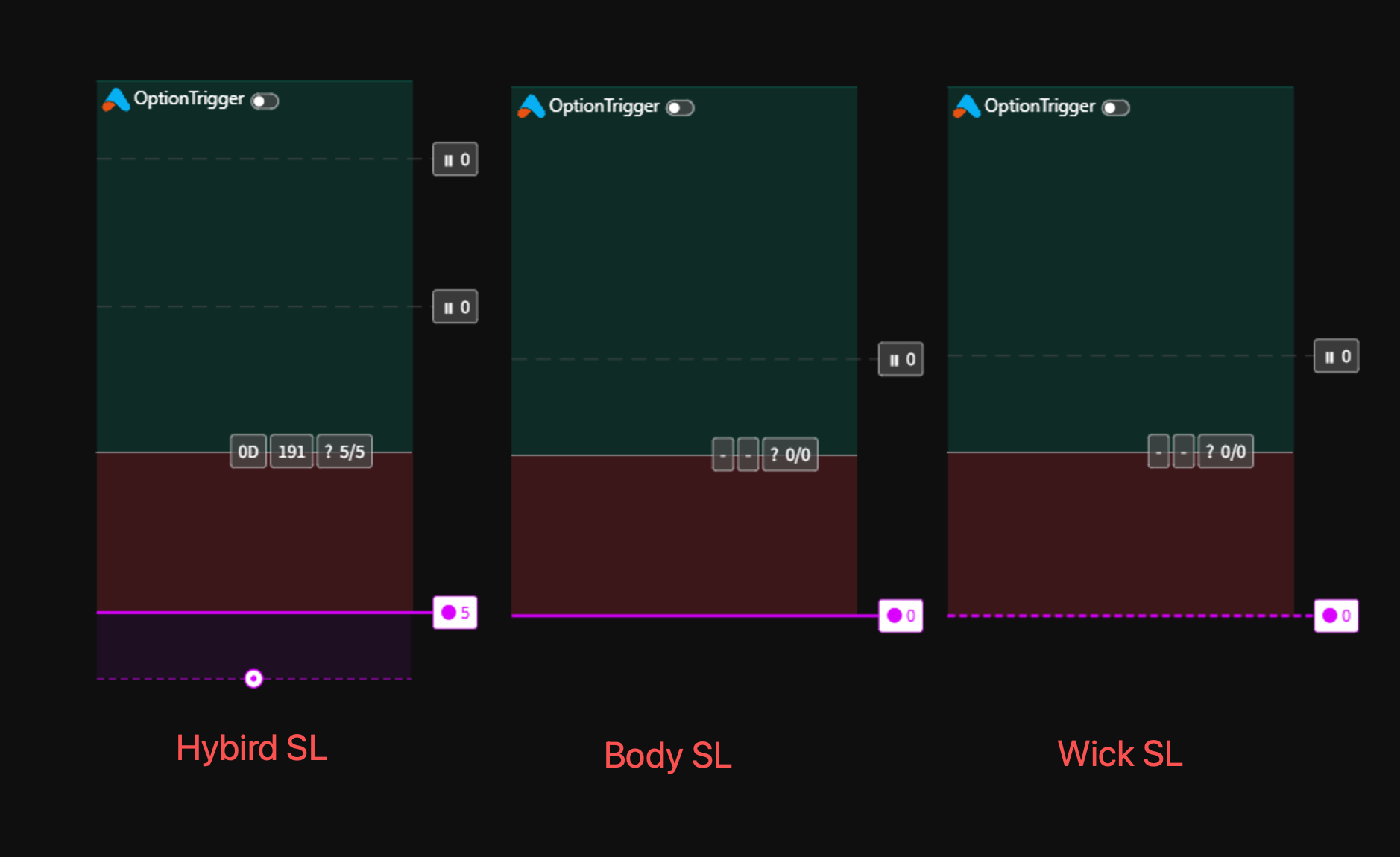
| Wick SL | Any price touch (including wicks) | Conservative traders |
| Body SL | Candle body close below/above SL | Swing traders |
| Hybrid SL | Default: body trigger with wick buffer | All traders |
Wick SL (Default)
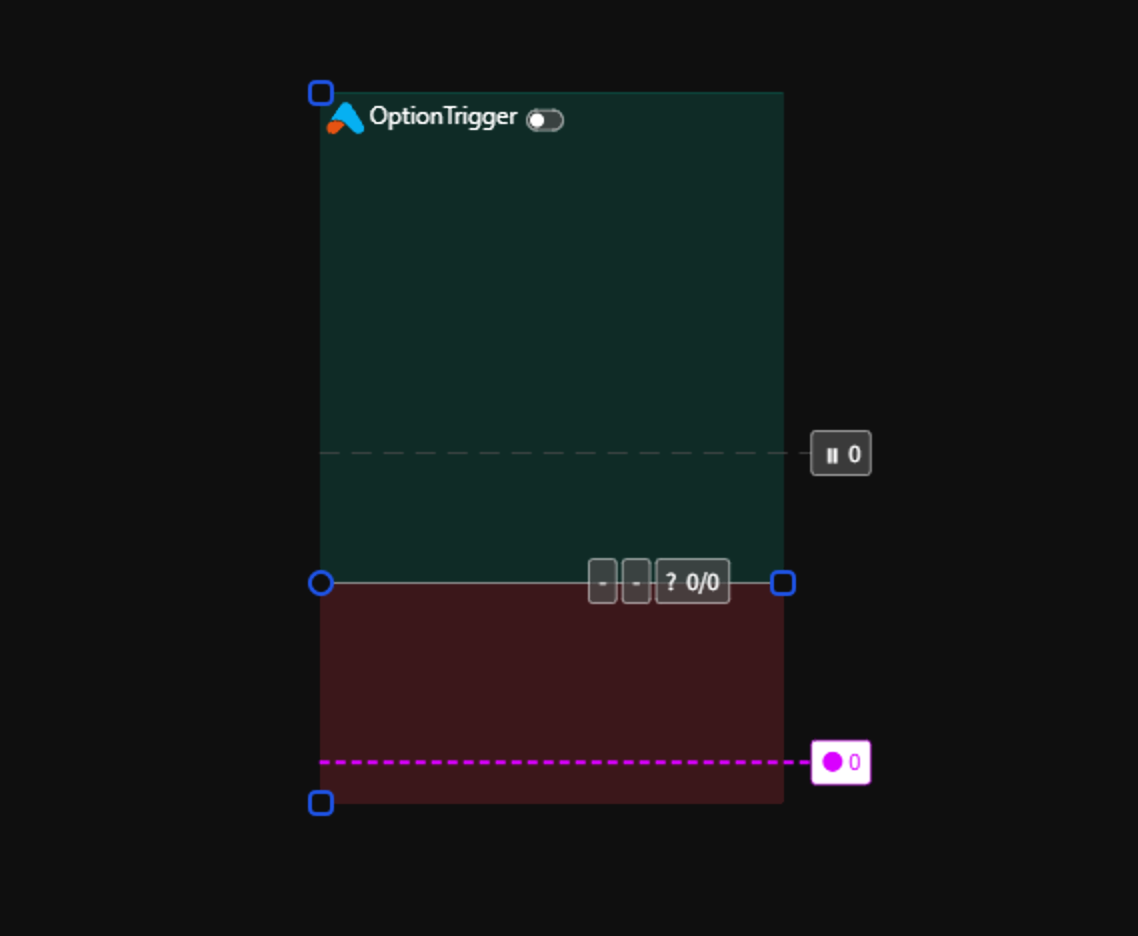
Wick SL triggers when price touches your stop-loss level at any point, including candle wicks.
How It Works
- Monitors real-time price
- Triggers immediately when price reaches SL
- No waiting for candle close
Pros and Cons
| Pros | Cons |
|---|---|
| Maximum protection | May trigger on false wicks |
| Precise risk control | More frequent stops |
| No slippage from waiting | Less room for volatility |
Best For
- Day traders and scalpers
- High-volatility environments
- Strict risk management rules
Body SL
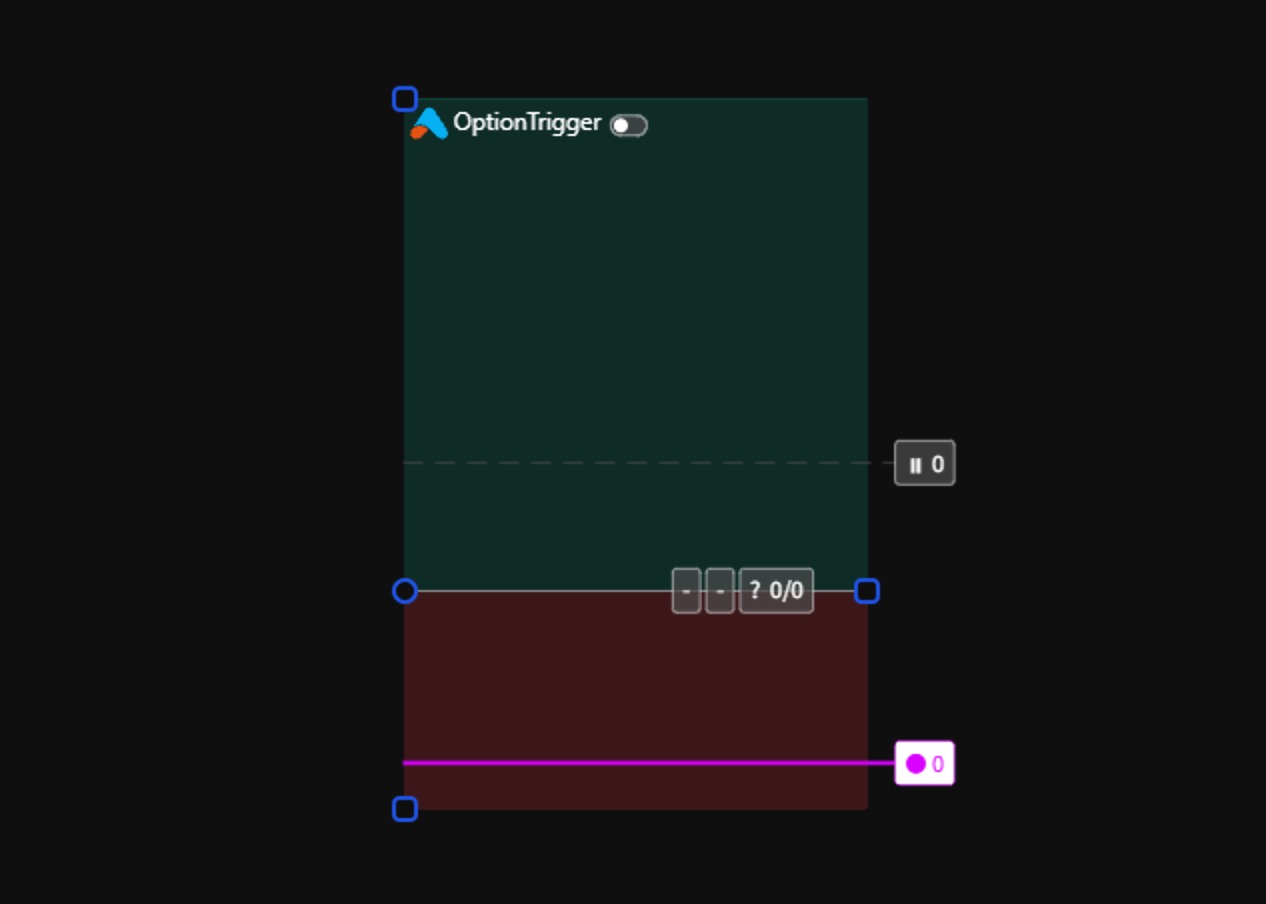
Body SL only triggers when a candle closes beyond your stop-loss level, ignoring wicks.
How It Works
- Waits for candle close
- Only triggers if body (open/close) breaches SL
- Wicks through SL are ignored
Pros and Cons
| Pros | Cons |
|---|---|
| Filters out wick noise | More slippage risk |
| Fewer false triggers | Larger potential losses |
| Better for swing trades | Requires patience |
Best For
- Swing traders
- Lower timeframes with noisy wicks
- Markets with frequent stop hunts
Hybrid SL
Hybrid SL combines elements of both modes with configurable rules.
How It Works
- Set a wick tolerance percentage
- Small wicks are ignored
- Large wicks or body closes trigger SL

Configuration Options
| Setting | Description |
|---|---|
| Extra Ticks | Additional tick distance for wick triggers in Hybrid mode (defaults to 1.5x main stop) |
Best For
- Experienced traders
- Custom risk strategies
- Adapting to market conditions
Changing Stop-Loss Mode
Open Global Settings
Click the OptionTrigger Settings button (gear icon) in TradingView.
Navigate to Trading Tab
Select the Trading tab in the settings panel.

You can also set the SL mode per-trade by clicking on the SL line of a position tool.
Choosing the Right Mode
| Your Style | Recommended Mode |
|---|---|
| Day trading / Scalping | Wick SL |
| Swing trading | Body SL |
| Position trading | Body SL or Hybrid |
| High volatility markets | Hybrid SL |
| Strict risk rules | Wick SL |
Next Steps
| Feature | Description |
|---|---|
| Market and Limit Order Modes | SL market vs limit + TP/Entry/Close |
| Multi-Level Take Profit | Set multiple TP targets |
| Long/Short Position Tools | Master position tools |
| AutoSize Feature | Smart contract selection |
- Trade Options on TradingView — brokers, tools, workflows
- Options Trading Automation Playbook — webhooks vs chart-native execution
- IBKR + TradingView for Options — permissions, TWS, troubleshooting
Tip: Test different SL modes with paper trading to find what works best for your strategy.